4 Benefits of Hiring a Professional for Your PowerPoint Design
DESIGN

Imagine you have to give a PowerPoint presentation in an hour, but you haven’t prepared anything yet. You panic and try to put something together, but it looks sloppy and unprofessional, even when you bought an expensive template.
A professional can create a PowerPoint that is captivating and impressive, and have it ready for you whenever you need it. In this blog, I’ll show you four benefits of hiring a professional for your PowerPoint design.

Powerpoint can sometimes be a Powerpain™
1. Turn Your Slides into Sales Machines
Do you want to wow your leads with your presentations and turn them into loyal customers? Then you need to pay attention to how you design and deliver your slides. A well-designed presentation that follows your brand guidelines, uses engaging visuals, and has a clear structure will help you persuade your audience and boost your sales.
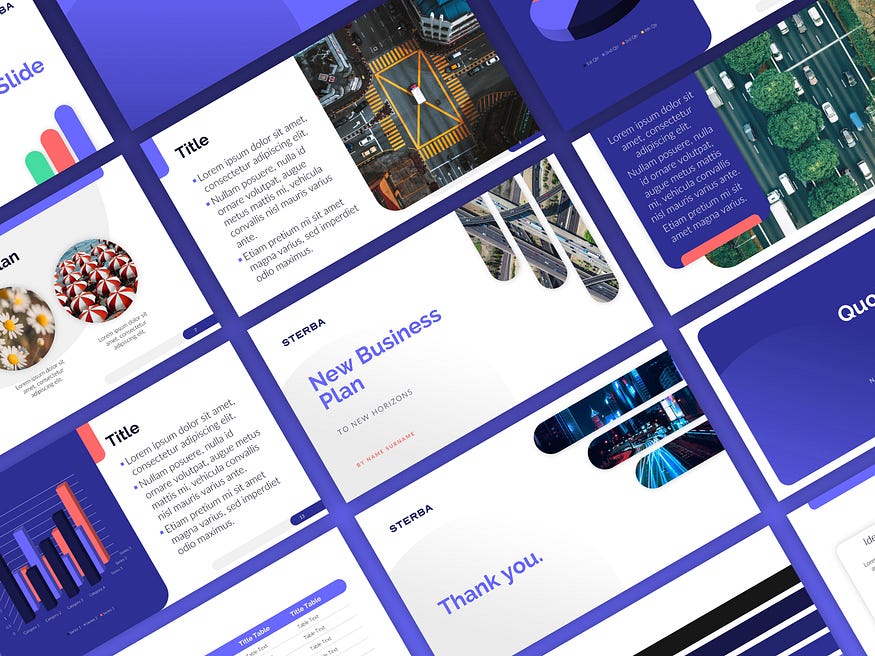
That’s what I do for my clients: I create stunning personalized presentation templates and slides that suit their needs and goals. I use images, icons, infographics and media to capture the attention and interest of the viewers, and I organize the content in a logical and appealing way. This way, you can easily customize your presentation for any topic and audience, and make them fall in love with your offer.
2. Show off your brand, consistently
PowerPoint templates, even if you bought them from a marketplace, can be a decent starting point, but they are not enough to make your presentation shine. You want your slides to reflect your brand identity and style, not just use the default colors and fonts.
I’m sure you know unbranded (or inconsistent) presentations can look unprofessional and uninspired, and you don’t want your customers to get that impression. You want them to see that you care about your presentation and that you put some thought and effort into it. Especially if you’re pitching to a new customer or investor, you want to make a great first impression!
That’s why I always ask for your branding guidelines (logo, colors and fonts) during our kick off call, so I can create a presentation that matches your brand voice and vision. It looks polished and impressive, and it shows that you have a unique personality and value proposition. In other words, it’s the opposite of using a generic one-fits-all Powerpoint template!
3. Keep your Audience Engaged
You want your audience to be hooked on your presentation. You don’t want them to get bored and distracted. But how do you keep them interested and engaged? One way is to use stunning PowerPoints that catch their eye and appeal to their senses.

Beautiful and visual slides that change and surprise them help keep their attention longer. Use charts, graphs, and images to illustrate your points and make the presentation more visually appealing. Avoid using too much text or clutter on your slides and use animations / transitions sparingly, to add value to your message.
It sounds difficult. A good designer can help you with that.
4. Outsourcing Saves both Time and Energy
I’m sure you have other million things to do. You already found your leads or investors, you thought and wrote the copy, why not outsource the design to a skilled powerpoint designer to do it for you and spend your time elsewhere? It will save you a headache and take a task off your plate.
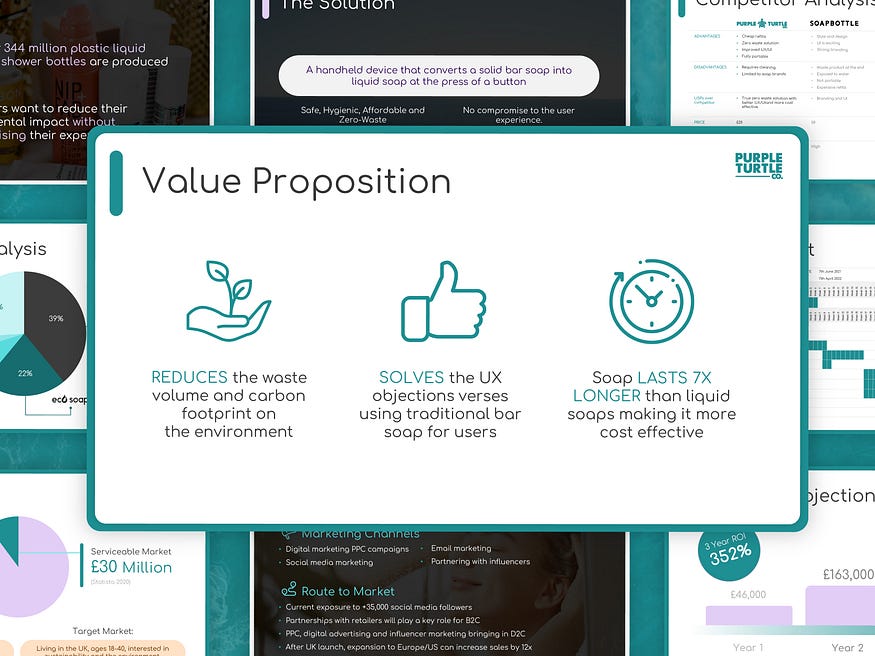
A professional PowerPoint Designer can create stunning presentations for you. They can make sure your presentations are consistent with your brand identity and personality and create infographics, images and icons to make it more engaging your your audience.
Looking to start a project or you need consultation first? Feel free to contact me.